











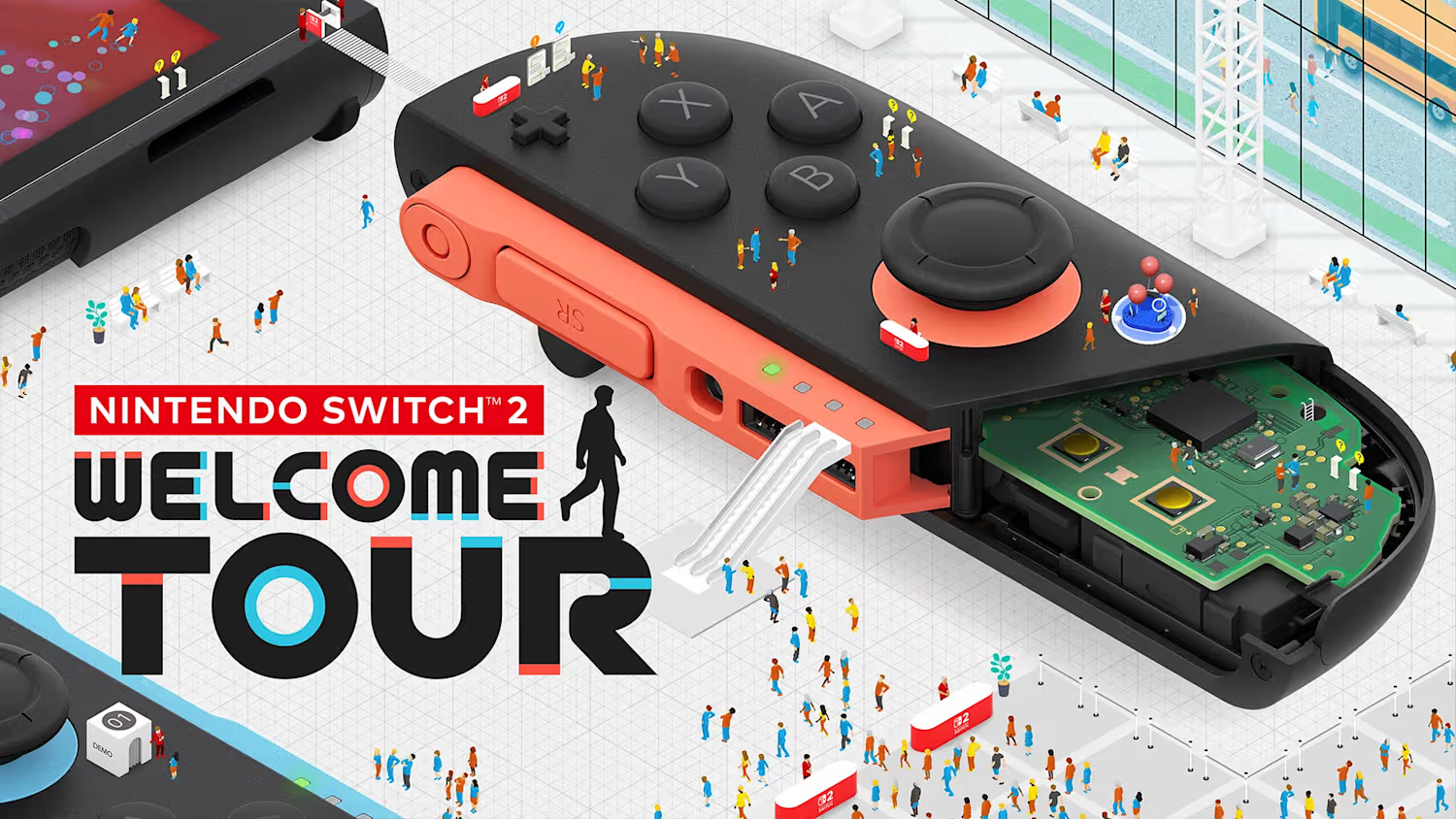

Nintendo Switch 2 Welcome Tour is a collection of tech demos, mini games, and education that’s surprisingly not free and simultaneously worth the price of admission.
Nintendo Switch 2 Welcome Tour
Developer: Nintendo
Price: $10
Platform: Nintendo Switch 2 (reviewed)
When Nintendo first showed off Nintendo Switch 2 Welcome Tour, the reaction across the internet was clear: everyone thought it should have been a free game bundled with the release of the console. We might not ever know Nintendo’s motivation for charging for this game, but after spending over 10 hours with the title, I can say that it’s not only worth $10, but it is also my favorite Switch 2 launch experience.
The framework of Welcome Tour is very familiar and somewhat reminiscent of Wii U’s pack-in, Nintendo Land. A faux tourist attraction dedicated to showing off the capabilities of a new console. However instead of going down the same road of creating a simple collection of tech demos gussied up as minigames, Nintendo leaned into the technical and informative nature by stripping away the amusement park varnish and presenting things as more of a science center museum experience, peppering in games and entertainment with a bulk of the content being informational and even, at times, educational.
World Tour opens with a stark, minimally detailed queue of avatars waiting to enter the exhibit. You pick the look of your avatar by selecting the person you want representing you from the line and then entering the arena, full of sterile whites and oversized replicas of the Nintendo Switch 2 hardware and accessories. I found the simplicity of the art style a little off-putting at first, but I quickly stopped paying attention to the barely-detailed humans peppering the floor and instead started appreciating where the attention was meant to be directed, in the perfectly detailed, larger-than-life-sized controllers and accessories.
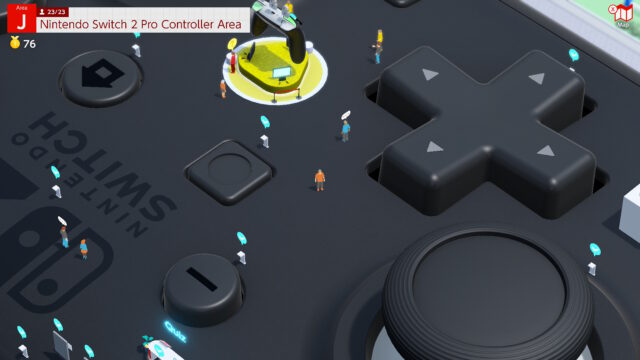
After a short ride up an escalator, you find yourself where you do at any museum, the information desk. One employee explains the museum, one offers to change your horizontal camera controls, and the third is there solely to help you return lost objects– something I will get to later. This bare-bones approach to settings and preamble didn’t start me off with much hope, but I quickly forgot about the info desk and lost myself exploring the surface of the left Joy-Con 2.
The gameplay can be lumped into a few different categories. Gathering insight about a particular feature, taking quizzes about the insight you learned, exploring and discovering different features of the hardware by literally walking on top of said hardware, playing mini/micro games showcasing specific features of the hardware, experiencing interactive tech demonstrations, and recovering lost items found around the museum. Traversing the massive hardware is simple, and even if things are far apart, a quick menu lets you warp to anything you have interacted with before, saving the time of sprinting all the way from the left Joy-Con to the right, or beyond.
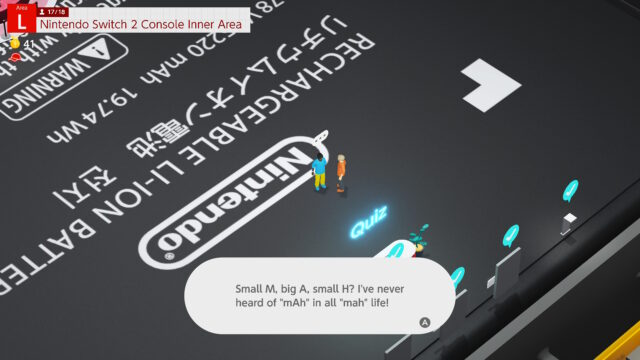
Insight
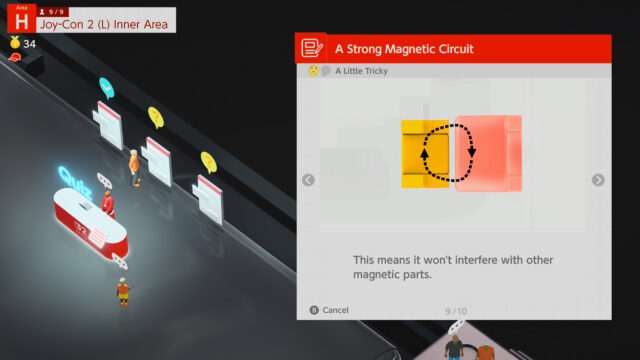
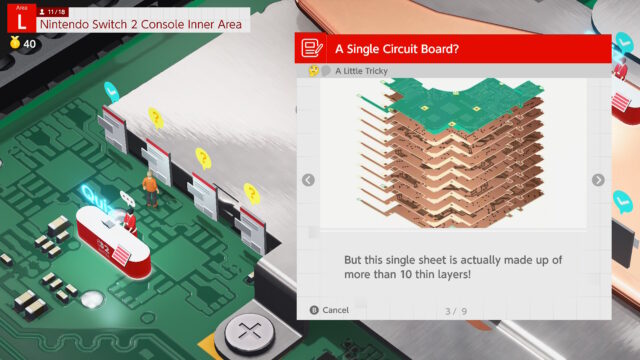
This is the most user-manual style part of Welcome Tour. Approaching a desk set up on a corresponding part of the hardware, a museum attendant gives you a bunch of text to read. Mostly a simple overview, explaining the different components of a feature, how a component works, or even some complicated explanations about how something like the SOC and GPU work and are integrated into the Switch 2. I found this mandatory reading equally boring and compelling, and was finding myself excited to learn everything I could about the hardware, and often surprised at the fun facts peppered in about some historical Nintendo hardware. Once reading the three or four multi-paged signposts on a specific topic, a quiz on that topic is unlocked. I ended up learning so much about the Nintendo Switch 2, and even a bunch of things about Nintendo that I never knew, or had forgotten over time, like how they made a rumble cartridge for the original DS. I honestly wish that every manufacturer of complicated electronics or appliances would create some type of interactive user manual like this. Learning about all of the different functions of my washing machine is tedious and forgettable, but maybe if I was walking around a giant version of things, simply explained the functionality, and then quizzed on it, I would be more motivated to learn about it and retain more of that information when I need to use a specific feature in six months.
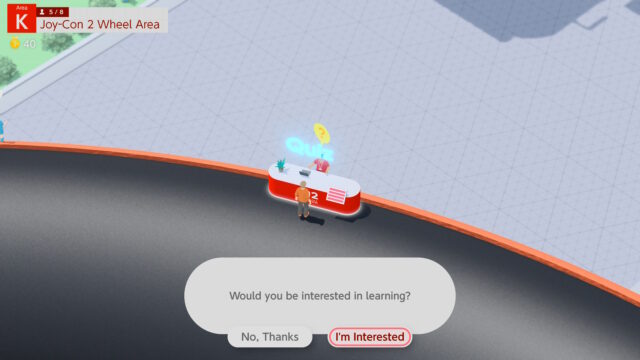
Quizzes
They are what they sound like, a short test on the knowledge you should have learned by reading the sign-posted topics. You don’t get a letter grade, just a pass for getting all of the multiple choice questions correct, or a fail if you get even one wrong. I found the experience quite enjoyable, and everything from the visual style, the background music, and even the way they peppered in bits of humor in the wrong answers of a lot of the questions reminded me of that first time playing Brain Age on the DS. In the same way that the Brain Age games got me excited to speed through multiplication tables, I found myself excited to take the test and quite proud of myself when I pulled off the perfect score. None of the quizzes were all that hard, but I did find my reading comprehension was tested, and there were several quizzes I ended up taking multiple times, because I was getting too sleepy while reading during the insight period. One thing I felt was lacking or would be a great addition is that there is no good way to share with friends and family. A multiplayer mode or trivia night style feature would be a lot of fun to quiz friends and family and prove who has the most knowledge when it comes to Nintendo Switch 2 hardware.
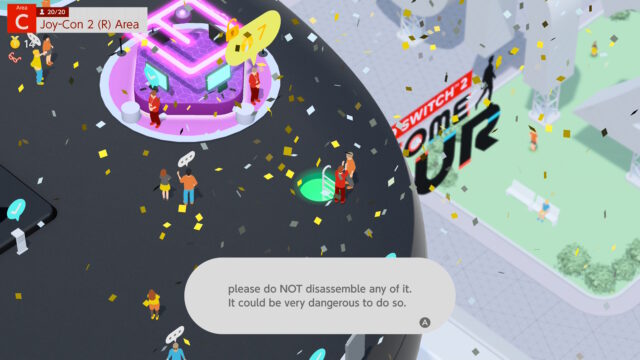
Mini Games (or are they micro?)
Also dotting the surface of the massive hardware are various game stations where your avatar can sit down and experience specific features that Nintendo decided to showcase. These cover everything from motion controls to touch screen, HD Rumble, and in between. They also range in difficulty, but nothing is out of reach when it comes to earning all of the medals. Each game rewards you with medals for completing it and additional medals if you hit the higher score requirements. Most of these minigames will unlock a harder version (or two) when you complete them, some of which you need a certain total number of medals to unlock, forcing you to come back at a different time, made very easy by the in-game checklist/fast travel menu. One minigame had me operating both Joy-Con as mice, each controlling a different UFO to dodge obstacles falling from the top of the screen while collecting stars at the same time. I found myself failing over and over again on the hardest version, but thanks to the quick retry option, playing for over 30 rows, dying every 10-20 seconds until, in one beautiful run, I collected over 50 stars! The simplicity and bite-sized nature of the mini games make it easy to complete them all, without having to spend a ton of time with something if you don’t find it fun. A good majority of these games utilize the mouse mode, and by the end of ten hours with Welcome Tour, I cannot wait to see what Nintendo (and hopefully other developers) do with the hardware in fully fleshed out games. There has been a bit of buzz about Nintendo locking content behind hardware purchases, which I also want to put to rest. There are only 4 out of the 50+ mini games that require hardware that didn’t come with the Switch 2. One game that requires a webcam, I grabbed an old USB-A Logitech camera I had lying around and plugged it into my dock for a very mediocre, somewhat frustrating “match the face” type of game. And a collection of three button pressing mini games that require a controller with the grip buttons featured on the Charge Grip controller or the Switch 2 Pro Controller. While it does suck that there are a few games that can’t be completed or even played without said accessories, I don’t think it’s a very big deal. The camera minigame is by far the worst in the package, and the grip button minigames showcase features, specifically made possible by the hardware, which would essentially be pointless to play without a supported controller. BUT since the game gate access to harder minigames by your total medal count, they do have a way to earn those medals without having the hardware. All you need to do is tap out SOS in Morse code using the Y button in front of the attendant standing at that game. That’s short-short-short, long-long-long, short-short-short for those who don’t have that burned into their brain like I do. I think this is an elegant solution for letting people access as much of the game as possible, even if they don’t have a camera or Switch 2 Pro Controller to use. A quick aside that I talk about more in my hardware impressions, the Pro Controller is the best controller Nintendo has ever made, by fixing all of the issues I had with the iteration released for Switch 1 they have created something that rivals, if not surpasses the quality and feel of any basic Microsoft or Sony controller. If only I could get over the A/B/X/Y button layout…
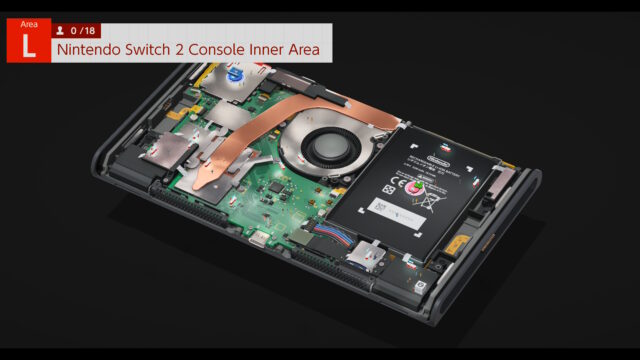
Exploring
The museum is literally gated off into different sections, and to progress to the next section, you need to discover and interact with every feature kiosk. These kiosks are buried beneath the surface of the hardware you are walking on top of and rise out of the ground when you enter their proximity. This part was a little frustrating, as even someone like myself who thinks they have a pretty good grasp on the inputs and components on gaming hardware might not realize that one of the points of interest is this rubber cap that covers a screw. There were a few sections on a couple of pieces of hardware that took me just walking in a serpentine pattern to discover the last missing kiosk. That being said, I only lost a few minutes to this as almost everything is obvious and logical. This leads into the lost and found items, which, as far as I can tell, are only there to offer visual hints, directing players to areas they otherwise wouldn’t know they could explore. According to the checklist, I completed every zone with 100%, implying I found every lost item, but there didn’t seem to be any fanfare or reward for doing such.
Tech Demo Theaters
Around the various large hardware are theaters, placed throughout that offer conceptual experiences of technological concepts and features. They are always interactive, and each one comes with a set of goals, but they feel more like little toy experiences, and less like a “game.” One early example has you play level 1-1 from Super Mario Bros. at an unscaled pixel perfect experience in 4k, where 90% of the screen is black space as you draw the rest of the level. This was an excellent way to explain to folks the difference in size that a 4k screen can display vs the NES game’s native 240p. Another quite impressive demo has the player controlling a wireframe helicopter flying around a 3D space to illustrate the Switch 2’s ability to output 3D audio. I was very impressed with how the sound from the tiny onboard speakers was able to accurately bounce sound that tricked my ears into hearing exactly where the helicopter appeared to be in relation to me. These tech demo theaters are almost like an interactive presentation, which does an excellent job at solidifying what you should have learned from the insight and quiz portions of the level. These are the things that I often bring up to people to illustrate some of the more impressive features of the Switch 2 hardware in an easy-to-understand manner. Having these tech demos do such a great job at showcasing the technology used for the Switch 2 left me hoping that after completing the game, there was some sort of end-game or sleek menu for replaying or showing off different experiences or demos. I would love to more easily pull up a screen to show friends and family what the hardware is capable of without jumping around the park via the in-game checklist.
 The Final Word
I was completely surprised by how much I enjoyed every little detail and bit of Nintendo Switch 2 Welcome Tour. The minimal approach to the art design of the characters and world only amplified the beauty of the 3D rendered hardware show. Glimpses into the inner workings of the hardware and the history of Nintendo products scratched a nerdy itch I didn’t realize I had. It’s a bit of a bummer that it wasn’t free, but I found myself unable to pull myself away from Welcome Tour after I started it, and have been thinking about it more than any other game available at launch. I hope Nintendo will add more content to this as new first party hardware is released, and while some of the mini games encourage using two people, adding a sleek way to pull up the catalog of mini games, tech demos and quizzes to offer a better experience to show friends and family would be a welcome addition.
MonsterVine Rating: 4.5 out of 5 – Great